
Jump to section11 sections
- Quick answer
- What a packaging dieline is and who creates it
- Can I design artwork before getting the dieline?
- Packaging dieline elements: what to check before approving
- Cut lines versus crease lines
- Windows, inserts, and structural samples
- Artwork approval and version control
- Which packaging dieline route should you choose?
- Packaging dieline approval checklist before printing
- What to send your packaging manufacturer
- Key takeaway
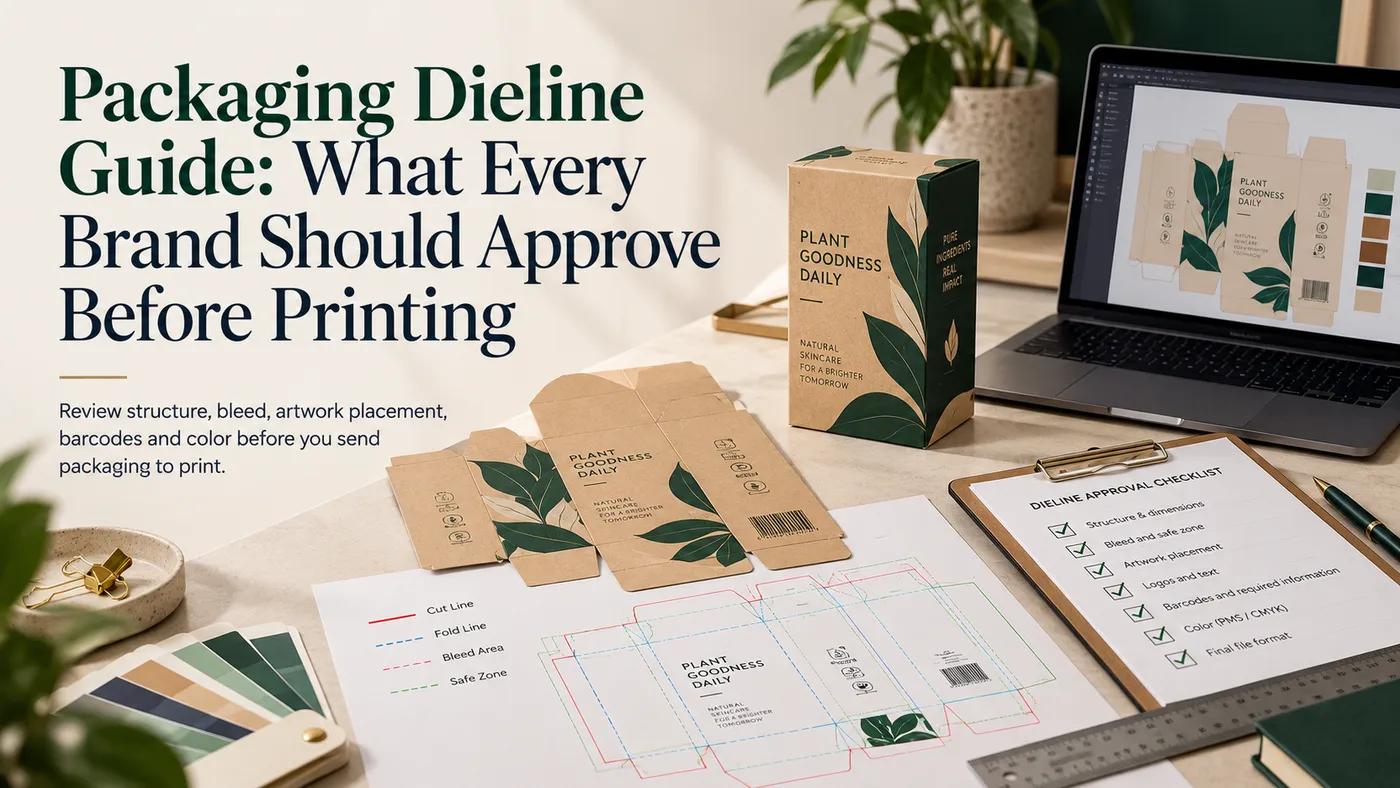
A packaging dieline is the flat, scaled template that shows where a box is cut, creased, and glued. Your manufacturer normally supplies it, and your artwork gets built on top of it. Before printing, approve the cut lines, crease lines, glue tabs, bleed, safe areas, panel orientation, and version number. Then confirm the structure on a folded sample.
Quick answer
- A dieline is a flat map of the box. It is not the artwork and not the cutting tool.
- The manufacturer usually creates or supplies it, because it depends on the board and the box style.
- Concept artwork can start early, but final artwork belongs on the approved dieline.
- Approve the structure first, then the artwork, then the version number.
- Changing a dieline after tooling usually means a new die, so catch problems on paper.
What a packaging dieline is and who creates it
A packaging dieline is a flat drawing of an unfolded box. Solid lines mark cuts. Dashed lines mark creases. Tabs, panels, and windows all show up as shapes on one sheet.
Your manufacturer or its structural designer normally builds it. The dieline has to match the board thickness, the box style, and the cutting tool. That is why the file should come from the people making the box, not from a generic download.
Our what is a dieline post and the packaging glossary cover the basics. For file setup and layers, see our custom box dieline templates guide. This guide covers the decision: what you approve, and when.
Box styles also have standard names. The FEFCO code assigns a code number to the most common corrugated designs. Quoting a code number removes a lot of guesswork.
Can I design artwork before getting the dieline?
You can sketch concepts, collect brand assets, and pick colors before you have a dieline. Don't finish artwork until you have the real one.
Panel sizes change with board thickness and box style. A dieline built for thin paperboard won't fold correctly in corrugated. Artwork placed on the wrong packaging dieline can end up cut off, off-center, or sitting on a glue tab.
I've seen brands finish a full design on a downloaded template, then rebuild it from scratch. The designs were fine. The folds just landed in different places.
A practical order works best. Share product dimensions first. Get the dieline. Then place the artwork. If you're unsure about size, measure the product as packed before you request one.
Packaging dieline elements: what to check before approving
Dieline element | What it means | What to check before approving |
|---|---|---|
Cut line | Where the die cuts through the board | Outer shape and overall flat size match the quote |
Crease (fold) line | Where the board is scored to fold | Fold positions match the box style and board |
Glue tab | The flap that gets adhesive | No ink or varnish planned on the glue area |
Bleed | Artwork extending past the cut line | Backgrounds run to the bleed edge on every panel |
Safe area | A margin inside the cut line | Logos, text, and barcodes stay inside it |
Panels | The faces of the finished box | Each panel is labeled: front, back, lid, side |
Orientation | Which way each panel reads when folded | Text isn't upside down or sideways after folding |
Window | A cut opening in a panel | Placement, size, and any film patch are shown |
Insert | A separate fitted part | Its own dieline matches the outer box |
Version | The file's revision and date | Number and date match what everyone approved |
Cut lines versus crease lines
Every packaging dieline separates these two line types. Cut lines go all the way through the board. Crease lines only compress it so it folds cleanly. Our scoring, creasing, and perforation guide explains how each is made.
Artwork should never sit on a crease. Type that crosses a fold can crack or look crooked once the box is assembled. Check that nothing important straddles a fold line.
Bleed is standard practice. Printer guides commonly cite about 3 mm or 0.125 inch past the cut edge. Our what is bleed in printing post shows what goes wrong without it. Your manufacturer will confirm the exact bleed for your job.
Windows, inserts, and structural samples
A window is a cut shape in one panel. It changes both the cut line and the artwork. Confirm whether the window will be open or covered with film, and keep text clear of its edges. Window patching adds a film layer behind the opening.
Inserts need their own check. A candle jar insert or a cosmetics tray has its own flat shape. It must fit the outer box with room for board thickness. Foam, board, and pulp inserts each need different clearances.
A structural sample proves the packaging dieline works in three dimensions. A flat screen can't show glue interference, tight panel fits, or tabs that won't tuck. Easy Box Packaging's manufacturing page lists structure, dieline, and sampling as steps before artwork and pre-press approval. It also says samples are available before full production.
For tight deadlines, ask what kind of sample is possible for your product. Our packaging samples explained guide covers the options.
Artwork approval and version control
Approve in two stages. First approve the packaging dieline and structure. Then approve artwork placed on that exact dieline. Mixing the stages is how brands end up approving a pretty design on the wrong shape.
Version control is the boring step that saves reprints. Every file should show a revision number and date. When the dieline changes after a sample, the artwork must be rebuilt on the new file.
A printed proof checks color and layout. It doesn't replace a structural check. Our print proofs explained guide covers proof types.
Here's the trick I'd pass on. Print your artwork on the dieline at 100 percent on ordinary paper, cut it out, and fold it. It takes ten minutes. You'll spot upside-down panels, text on tabs, and logos hiding on a fold before anyone cuts a die.
Which packaging dieline route should you choose?
- Standard style, such as a mailer: Ask for the existing dieline. A common structure usually has one, so expect less structural work.
- Custom shape, window, or insert: Expect a new dieline and a structural sample. Easy Box Packaging offers free design support, and a die-cut box is a good place to start.
- Agency-designed packaging: Send the agency your manufacturer's dieline. Don't let them draw one.
- Reorders: Save the approved file. Reusing it keeps the fit identical.
- Gift sets and subscription kits: Approve the outer box and every insert together.
Packaging dieline approval checklist before printing
- The dieline came from your manufacturer, with the board and box style noted.
- Flat and folded dimensions match your product measurements.
- Cut and crease lines are on separate, clearly labeled layers.
- Bleed is extended on every printed panel.
- Text, logos, and barcodes sit inside the safe area and off every fold.
- Glue tabs are clear of ink and coatings.
- Panel orientation is correct after folding.
- Window and insert shapes are shown and match the outer box.
- The file shows a version number and date, and you've approved that version.
- You've seen a folded sample or a paper mock-up.
What to send your packaging manufacturer
- Product dimensions and weight, measured as packed
- Quantity and any reorder plans
- Packaging format, such as mailer, folding carton, or rigid box
- Artwork status: concept only, in progress, or final
- Material preference, such as corrugated, kraft, or paperboard
- Printing needs, including color count and coverage
- Finishing, such as lamination, foil, or spot UV
- Insert and window requirements
- Delivery destination and required date
- Any existing dieline or reference box
Key takeaway
A packaging dieline decides where every fold, cut, and glue joint lands. Approve it before any artwork is final. Get the dieline from the manufacturer, check it against a folded sample, and lock the version number.
Specifications and tolerances vary by manufacturer, board, and box style, so confirm details on your own project.